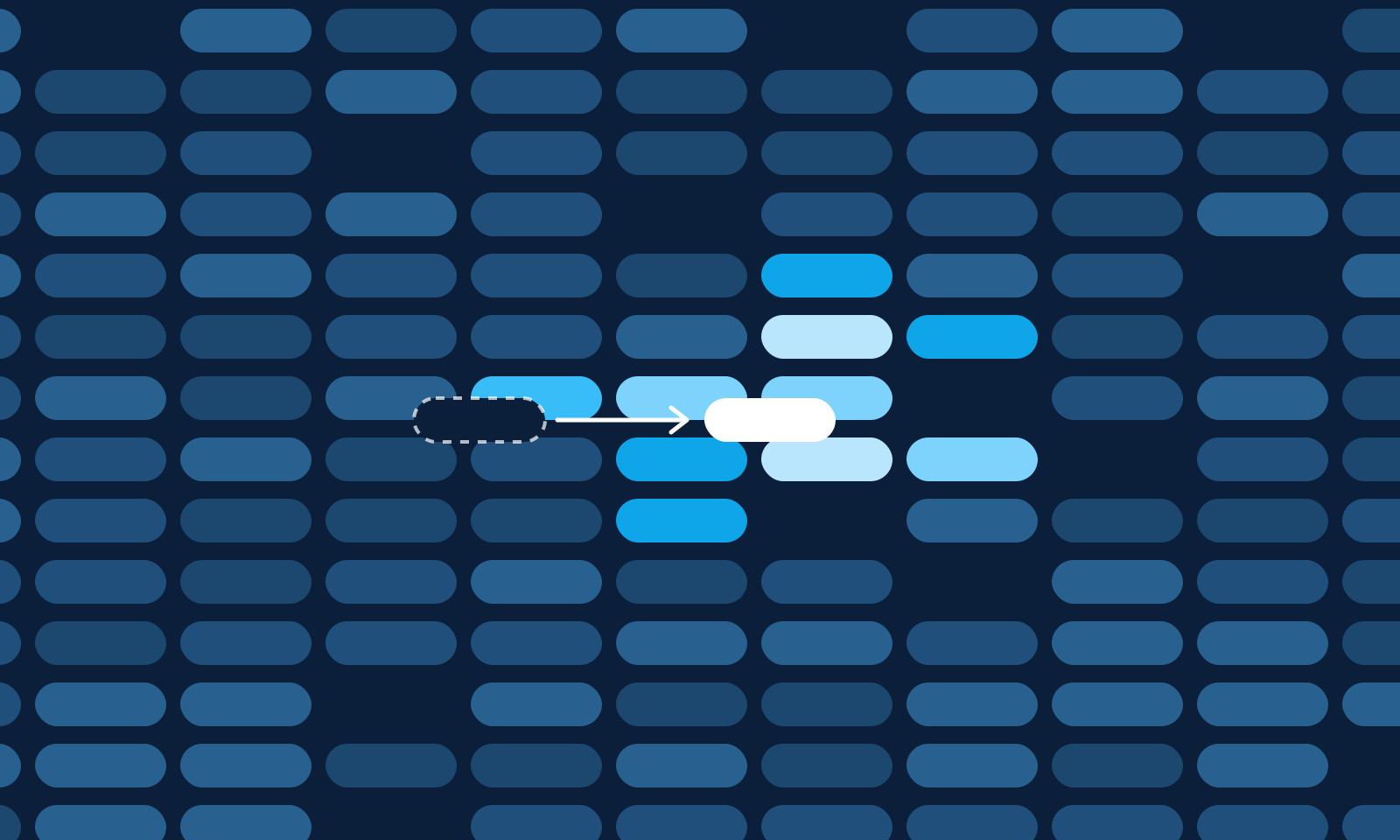
Every timetable is built for September. By October it has met reality: a teacher's hours are reduced, a part-time contract moves to different days, a colleague takes on a role that blocks Tuesday mornings. One lesson has to move.
With a generator at hand, the instinct is to update the data and press Generate again. Once the year has started, that is usually the wrong move.
A better score, a worse term
A full generation has one job: find the best timetable for the data it is given (we described how in inside the scheduling engine). It does not know that 7b has spent six weeks learning that Physics is first thing on Monday. To the solver, last month's timetable is one valid arrangement among many, and it will pick another if that scores slightly better.
A school has a great many timetables of almost identical quality. Change one constraint, re-solve, and the new plan can differ from the old one in hundreds of lesson hours — each reasonable on its own, together a timetable nobody asked for. The score rose by a point; everyone has to relearn the week.
The ripple: what actually has to move
An example. From October, Ms Keller can no longer teach in period 2 on Tuesdays, and her English lesson with 8a sits exactly there. The slot that suits her best is Thursday period 4 — but 8a already has History there with Mr Hoffmann.
Putting English there pushes History out. History needs a new home, which may collide with something else in Mr Hoffmann's or 8a's week, and so on. That chain is the ripple. Everything outside it has no reason to move at all.
Repairing a timetable means solving only the ripple while everything else is held in place. The problem becomes far smaller, which is why a repair typically comes back in seconds.
How far the ripple is allowed to spread
The hard part is deciding how big the ripple should be. Too small and there may be no valid arrangement; too large and you are re-solving the school. Bildena tries widening rings, each a separate attempt, and stops at the first one that works.
| Ring | Free to move | Everything else |
|---|---|---|
| 0 | The lesson you moved, the lessons in the target slot that clash with it, and every lesson tied to those | Pinned in place |
| 1 | All lessons of the teachers and classes involved in ring 0 | Pinned in place |
| 2 | Also all lessons of the teachers and classes that ring 1 drew in | Pinned in place |
| 3 | Everything except the lesson you moved — the last resort | — |
A clash means what it means during generation: the same teacher, the same class, or — in student-based scheduling — at least one shared student. Groups of the same class may share a slot as long as they have no students in common.
Tied matters more than it sounds. Some lessons must sit in the same slot: parallel lessons in an elective band, or the groups of a class whose groups must be taught at the same time. If one moves while its siblings stay pinned, that rule breaks and no arrangement can be found. So each ring takes the whole family of every lesson in it, and keeps adding until nothing new comes in.
In the example, ring 0 asks whether History fits a slot where 8a and Mr Hoffmann are both already free. Only if it does not does ring 1 let the rest of their week rearrange a little.
What "held in place" means
Outside the ripple, lessons are pinned as a strict rule: the solver cannot move them, however much it would gain. Inside the ripple, lessons are free — but not indifferent. Each lesson hour carries a penalty for leaving its current slot, and that penalty is set well above the timetable's ordinary preferences, such as avoiding gaps in a class's day.
Without that penalty, the solver would pick any of the many equally good ways to arrange forty lessons, and teachers in the ripple would see their week shuffled for nothing. With it, a lesson moves because it has to, not because moving would close a gap. The penalty still applies at ring 3.
When the ripple cannot be closed
Some moves are simply not possible. If the target cell is a closed period for the teacher or the class, the board refuses the drop before anything is attempted. Other conflicts only surface during the search.
If no ring produces a valid plan, nothing is changed: the timetable stays exactly as it was. You get one of two messages, and they mean different things.
- The move cannot be made under the current rules. This is only said when the last ring, with everything free, was proved infeasible. The target slot collides with closed periods or a strict rule; that is where to look.
- The move could not be solved in the time available. No broken rule was proved. A repair has a budget of about 25 seconds, with each of the first three rings capped at 8, and a very tight school can use it up. Try again, or choose a slot that is free.
We keep the two apart on purpose: "this breaks a rule", when the honest answer is "we ran out of time", sends people hunting for a closed period that does not exist. For the first case, see why timetables become impossible.
How you do it in Bildena
- Update the facts first. Enter the teacher's new availability, so the board knows which cells are now closed.
- Drag the lesson. Dropped on a free, valid cell, it simply moves. Dragged over an occupied cell, the board tells you the slot is taken and that you can drop to move anyway.
- Read the confirmation. It appears as a card in the assistant chat, lists the lessons currently in that slot, and says that only these — and if needed the other lessons of the same teachers and classes — will be re-placed.
- Confirm. When the repair finishes you see how many lesson hours were re-placed and how many seconds it took.
The lesson you moved is marked with a pin on the board. If you later run a generation from that board, the solver keeps it where you put it.
Every repair is recorded in the Changes panel as a forced move, with how far the ripple had to spread. You can put the before and after timetables side by side, see the lesson you moved marked, and see which classes, teachers and rooms were affected. If a repair is not what you wanted, ask the assistant to undo the last change: the lessons return to their previous slots and nothing is re-solved.
When a full re-solve is the right call
Repair is for the middle of a term. There are moments when starting again is the better choice.
- Between terms. When new courses, new groupings or a new rhythm mean the week will be relearned anyway, stability has little left to protect.
- When the change is structural. A new class, a teacher leaving with a full timetable, a curriculum change that alters weekly hours across a year group. A ripple that has to cover half the school is a re-solve under a different name.
- When repairs have piled up. Each repair asks for "valid with as little change as possible", not "as good as possible". After enough of them, a fresh plan may be noticeably better.
Even then, do not experiment on the timetable in use. Create a new distribution that copies the current one's definitions, generate there, and decide whether the result is worth the disruption.
Communicating the change
A repaired timetable is half the job. The people in the ripple still need to know.
- Tell the people affected, and only them. The classes and teachers listed for the change are your list. A staff-wide "the timetable has changed" makes everyone check their week for nothing.
- Say what moved, from where to where, and from when. "8a: English moves from Tuesday period 2 to Thursday period 4 from next Monday; History moves to Friday period 1" is a message. "Updated timetable attached" is homework.
- Say why, in one line. A change that visibly comes from a real constraint is accepted far more readily.
- Batch small changes where you can. Two repairs announced together are easier to absorb than one on Monday and another on Wednesday.
During the free trial you can generate a timetable on your own data, drag a lesson onto an occupied slot, and see in the Changes panel exactly which lessons the repair moved — and which it left alone.